

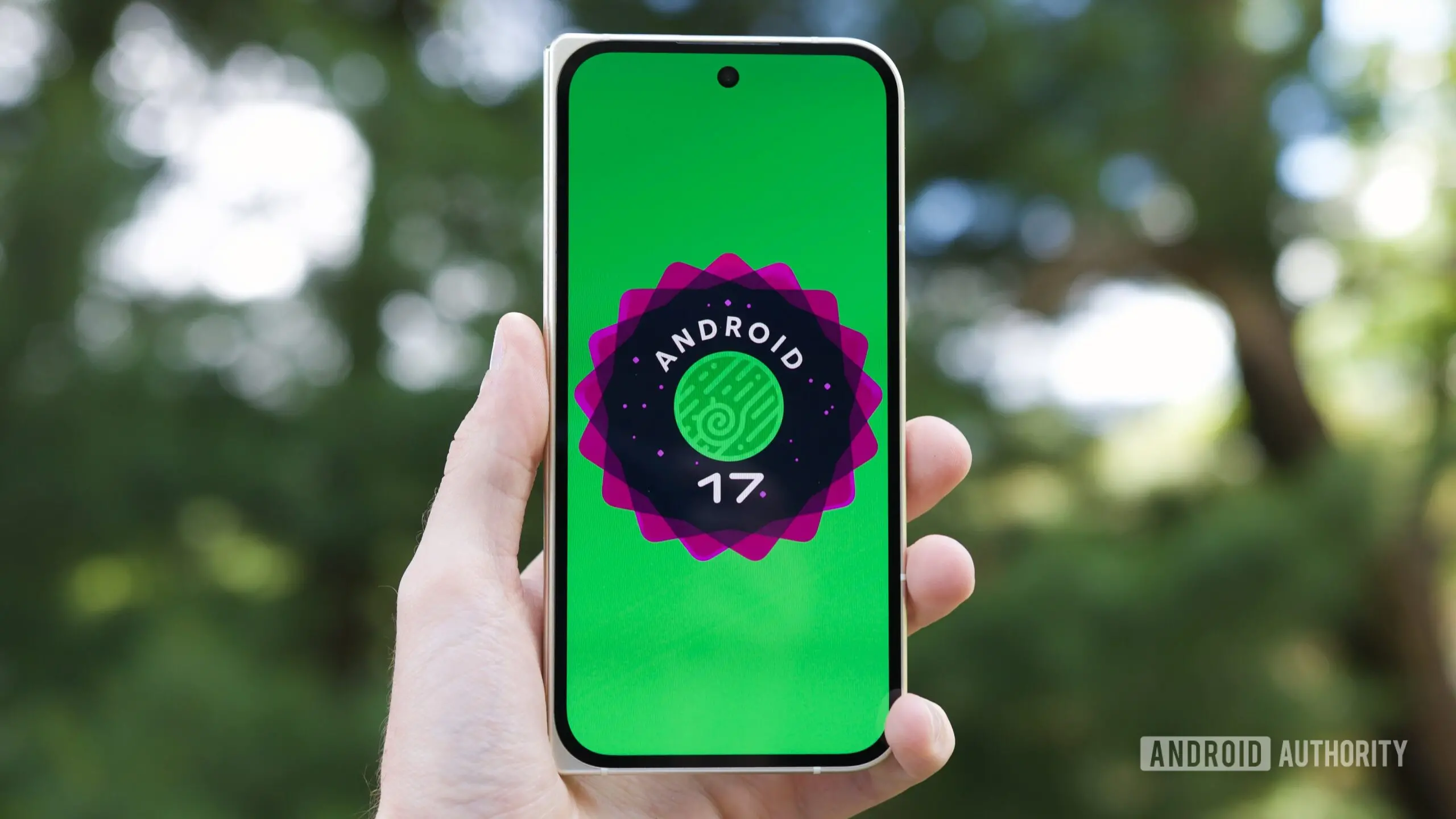
Google has begun rolling out the latest beta build of Android 17 QPR1 to eligible Pixel devices, marking another step toward a more polished and feature-rich operating system. Build CP31.260618.005, known as QPR1 Beta 6, arrives with a mix of bug fixes and meaningful quality-of-life improvements. Among the most notable changes are enhancements to the desktop windowing experience, which bring Android closer to a traditional PC interface. Additionally, Health Connect gains automatic tracking for distance and calories, while the Pixel Launcher receives a cleaner context menu. This update continues Google’s long-term effort to make Android a capable platform for large-screen devices, including foldables, tablets, and desktop modes.
Desktop Windowing Sees Major Improvements
One of the standout features of Android 17 QPR1 Beta 6 is the refinement of Android’s desktop windowing mode. Initially introduced as an experimental feature in earlier Android versions, desktop windowing allows users to run apps in resizable windows, similar to a traditional desktop operating system. With Beta 6, Google has repositioned the taskbar icons from the bottom-center of the screen to the bottom-left corner. This change aligns the interface more closely with what users expect from Windows, macOS, or Linux desktops, where the taskbar or dock is typically anchored to the left or bottom-left side. The shift reduces wasted space on the taskbar and makes it easier to access frequently used apps without moving the cursor across the entire screen.
Another significant improvement involves picture-in-picture (PiP) windows. Previously, when using desktop windowing mode, PiP windows would automatically snap to the left or right edge of the display, limiting flexibility. In Beta 6, PiP windows can now float freely anywhere on the screen. Once dragged to a preferred position, they stay in place, allowing users to multitask more efficiently. For example, a user can watch a video in a PiP window while working on a document in another window, and the PiP window will remain wherever it was placed, even if other windows are moved or resized. This behavior mirrors the PiP functionality found on desktop operating systems and is a welcome change for power users.
These updates come as part of Google’s broader push to improve Android on larger screens. The company has been iterating on desktop windowing since Android 12L, which introduced improved multitasking for tablets and foldables. With Android 17 QPR1, the focus is on making the desktop experience feel less like a mobile interface scaled up and more like a purpose-built environment. The repositioned taskbar and free-floating PiP windows are the latest examples of this design philosophy.
Health Connect Gains Automatic Tracking for Distance and Calories
Health Connect, Google’s central platform for health and fitness data, receives a substantial upgrade in Beta 6. Following the introduction of automatic step tracking in Android 16 QPR2 via on-device sensors, Health Connect can now automatically track distance traveled and calories burned. These metrics are collected using the same device sensors, such as the accelerometer and gyroscope, that were used for step counting. This means users no longer need to rely on separate fitness apps to manually log these values; the device handles it automatically and stores the data within Health Connect.
The update is significant for developers as well. By leveraging Health Connect’s built-in tracking capabilities, app creators can avoid implementing their own sensor-reading logic for distance and calories. This simplifies development and ensures a consistent user experience across different apps. Users remain in full control of their data, as they can still manage permissions for which apps have access to Health Connect records. The privacy-first approach ensures that sensitive health data is not shared without explicit consent.
Automatic tracking for distance and calories builds on a trend seen in recent Android updates: offloading common sensor-based tasks from individual apps to the operating system. This not only improves battery life by reducing redundant sensor polling but also ensures that data is standardized. For example, if a user walks 5,000 steps, the distance covered and calories burned can be calculated using the same algorithm, eliminating discrepancies between different tracking apps. Health Connect then serves as a single source of truth for health data across the ecosystem.
This feature is particularly useful for users who want a holistic view of their daily activity without manually entering data. Combined with step tracking, the new distance and calorie tracking turns an ordinary smartphone into a capable fitness companion. It also sets the stage for more advanced health features in future Android versions, such as heart rate or sleep tracking, which could rely on the same sensor infrastructure.
Pixel Launcher Context Menu Gets a Cleaner Design
Beta 6 also introduces a cosmetic refresh to the Pixel Launcher’s home screen context menu. The context menu, which appears when users long-press on an empty area of the home screen, now features a cleaner layout. The divider lines that previously separated individual options have been removed, creating a more unified and modern look. Additionally, the label “Wallpaper & style” has been moved above the recent wallpaper carousel, making it easier to access the wallpaper customization settings.
This change is part of Google’s ongoing effort to streamline the Pixel Launcher interface. The removal of divider lines reduces visual clutter and aligns the context menu with Material You design principles, which emphasize simplicity and adaptability. By repositioning the wallpaper shortcut, Google ensures that the most frequently used customization option is immediately visible. While a minor update, it reflects the company’s attention to detail and commitment to refining the user experience.
Bug Fixes and General Improvements
Beyond the headline features, QPR1 Beta 6 addresses several bugs reported by beta testers. One notable fix resolves an issue affecting the selection of multiple spell-checker languages. Previously, users who enabled more than one language for spell checking encountered errors or inconsistent behavior. The update ensures that the spell-checker correctly handles multiple languages simultaneously, which is especially useful for multilingual users. Other fixes include improvements to system stability, performance optimizations, and corrections for various app crashes.
Google has not provided a detailed changelog, but beta testers have reported smoother animations, better memory management, and improved battery life in specific scenarios. The update is available for Pixel 6 and newer devices, including the Pixel Tablet and Pixel Fold. As with all beta versions, users may encounter residual bugs, but the overall stability has improved with each iteration. QPR1 Beta 6 is likely the last beta before the final stable release, expected to arrive in early August 2026.
Background and Context: Android’s Desktop Ambitions
Android’s journey toward desktop-like capabilities has been gradual but deliberate. The introduction of resizable windows in Android 10 marked the beginning, but it was Android 12L that truly optimized the interface for large screens. Google followed up with Android 13, which added a proper taskbar for tablets, and Android 14, which enhanced drag-and-drop and keyboard shortcuts. Android 16 brought the desktop windowing mode as an experimental feature for Pixel devices, allowing users to run apps in overlapping windows. With Android 17 QPR1, Google is refining that experience based on user feedback.
The repositioned taskbar and free-floating PiP windows directly address complaints from early testers who found the desktop mode cumbersome. The previous taskbar placement at the bottom center was criticized for being unintuitive, as it forced users to reach the center of the screen to access apps. The shift to the bottom-left aligns with muscle memory from other desktop operating systems. Similarly, the PiP snapping was restrictive; now users can treat PiP windows like any other floating window, gaining more control over their workspace.
Health Connect’s automatic tracking also fits into a larger narrative of Android becoming a proactive health platform. Smartphones already contain sophisticated sensors capable of recognizing activity patterns, but until recently, this data was siloed within individual apps. By embedding tracking directly into Health Connect, Google is encouraging a more unified approach to health data, similar to Apple’s HealthKit. This could eventually lead to Android devices offering basic fitness tracking without requiring a dedicated fitness app.
Implications for Developers and Users
For developers, the improvements in Beta 6 reduce the complexity of supporting large-screen and desktop modes. The taskbar repositioning and PiP behavior do not require app-level changes, as they are handled by the system. However, developers can optimize their apps to take advantage of the free-floating PiP windows by ensuring their media playback controls work well in variable positions. For Health Connect, the automatic distance and calorie tracking means fewer third-party integrations needed; apps simply read from Health Connect’s standardized data fields.
Users benefit from a more intuitive multitasking experience and seamless health tracking. The desktop windowing changes make Android a more viable option for productivity tasks on tablets and foldables, potentially reducing the need for a separate laptop. Meanwhile, the Health Connect upgrade encourages users to monitor their activity more consistently without extra effort. Privacy remains a key focus, as all health data is stored locally and shared only with apps the user explicitly authorizes.
Looking Ahead
With QPR1 Beta 6, Google is signaling that Android’s desktop mode is maturing. The taskbar and PiP improvements are subtle but meaningful steps toward parity with traditional desktops. Health Connect’s expanded tracking capabilities show that Google is investing in on-device health features that prioritize user control and convenience. As the stable release approaches, users can expect fewer bugs and a more polished overall experience. The updates rolled out to eligible Pixel devices, and beta testers are encouraged to provide feedback to help shape the final build.
Source: Android Authority News