

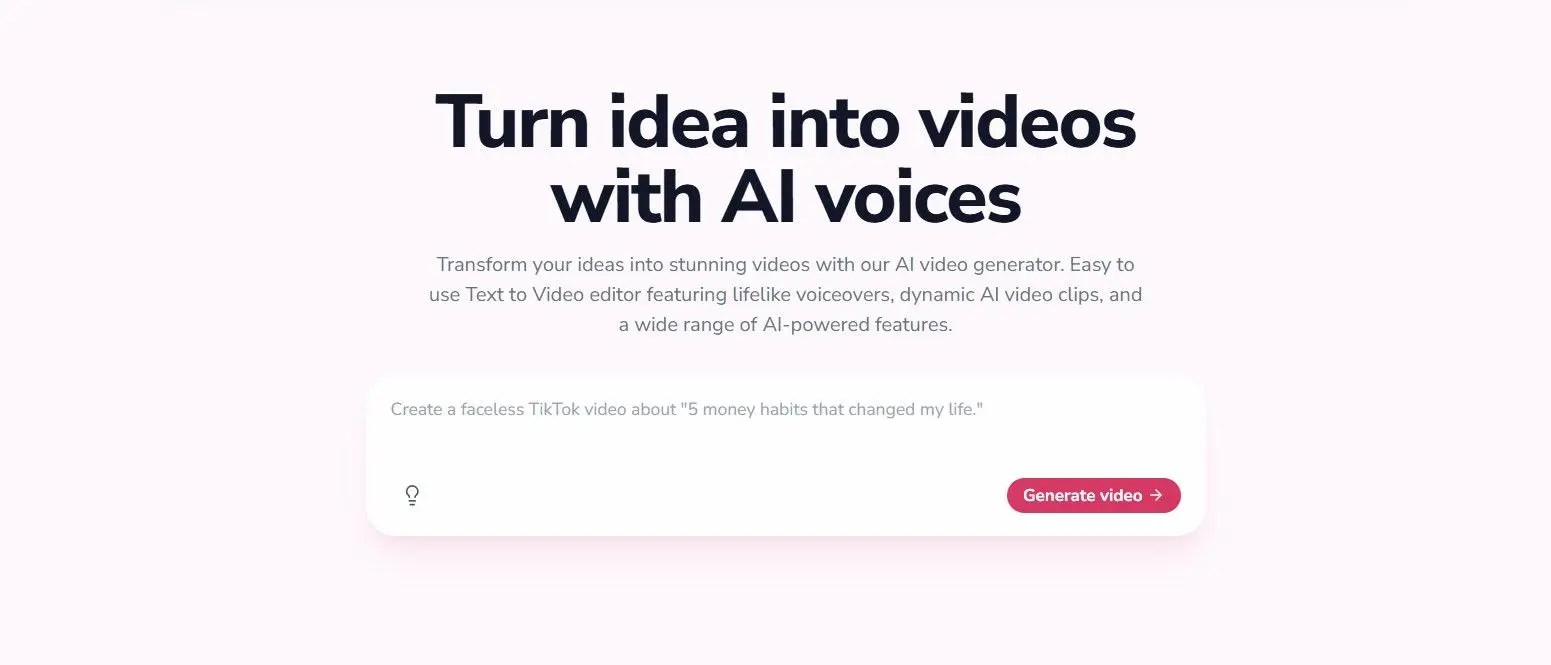
In an era where video content reigns supreme, tools that simplify video creation are invaluable. Fliki AI has emerged as a notable contender, promising to turn text into engaging videos with minimal effort. This review offers a comprehensive look at Fliki AI, examining its capabilities, strengths, weaknesses, and overall value proposition.
What is Fliki AI?
Fliki AI is an AI-powered text-to-video generator that allows users to create videos from written content such as blog posts, scripts, or social media captions. It uses advanced natural language processing and computer vision to select appropriate media, generate realistic voiceovers, and produce a polished final product. The platform is designed for marketers, content creators, educators, and businesses seeking to scale video production without a large budget or technical expertise.
Key Features
Text-to-Video Conversion
The core functionality is converting text into video. Users paste or write their script, and Fliki AI analyzes the content to suggest relevant video clips, images, and background music. It can also generate AI voices that sync with the text, creating a narration. The algorithm attempts to match the tone and style of the script.
AI Avatars
One standout feature is the use of AI avatars. Instead of using stock footage, users can select a virtual presenter who delivers the script. These avatars have realistic human expressions and lip sync, making the video feel more personal. Fliki AI offers a variety of avatars with different appearances, ages, and ethnicities, suitable for diverse audiences.
Voiceover Library
Fliki AI provides a wide selection of AI voices across multiple languages and accents. Options range from natural-sounding male and female voices to more stylized ones. Users can adjust speed, pitch, and emphasis to fine-tune the narration. The platform also supports custom voice cloning for premium users.
Media Library
The platform includes an extensive library of royalty-free stock videos, images, and music tracks. Users can search by keyword, and Fliki AI will automatically suggest relevant media based on the script. This streamlines the process, though users can also upload their own files.
Branding and Customization
Users can add their own logos, brand colors, fonts, and intros/outros to maintain brand consistency. The timeline editor allows for precise control over scene duration, transitions, and overlays. However, compared to professional video editing software, the customization is limited to templates and pre-set parameters.
Pricing
Fliki AI offers a tiered subscription model. The Free plan allows up to 5 minutes of video per month with limited features and watermarks. The Standard plan (~$30/month) offers more minutes, higher resolution, and removes watermarks. The Premium plan (~$60/month) includes additional features like custom voice cloning, team collaboration, and priority support. There is also an Enterprise plan for large-scale needs. Annual billing provides a discount.
Pros and Cons
Pros
- Extremely user-friendly interface; no video editing skills required.
- AI avatars add a human touch that many other tools lack.
- Fast turnaround; a 3-minute video can be generated in minutes.
- Good selection of stock media and AI voices.
- Affordable compared to hiring professional video editors.
Cons
- Limited creative control compared to manual video editing.
- AI-generated media sometimes misses contextual nuance.
- Avatars, while improving, still have occasional uncanny valley effects.
- Free plan is restrictive; meaningful use requires a paid subscription.
- Language support for voiceovers is skewed towards English and a few major European languages.
Use Cases
Fliki AI is particularly well-suited for producing explainer videos, educational content, social media ads, product demos, and internal training materials. Content creators who repurpose blog posts into videos will find it efficient. Businesses can create personalized marketing videos at scale. For example, a SaaS company could generate a series of tutorial videos by simply inputting their help articles.
Comparison with Competitors
Compared to similar tools like Synthesia, HeyGen, and Pictory, Fliki AI positions itself as a more affordable yet feature-competitive option. Synthesia excels in avatar realism but is pricier. Pictory focuses more on repurposing long-form content. Fliki AI offers a balance of avatar quality, voice variety, and ease of use. However, for advanced motion graphics or animation, dedicated tools like After Effects remain superior.
Performance and Output Quality
In testing, Fliki AI produced videos that are coherent and visually acceptable for social media or internal communications. The AI voice sync is generally accurate, though occasional timing issues arise with complex sentences. The 1080p output quality is good for most platforms. The platform handles scripts up to a certain length without degradation, but very long scripts may need to be broken into multiple videos.
Customer Support and Community
Fliki AI offers email support and a knowledge base. Response times are reasonable for paid plans. The company also maintains an active social media presence and a community forum where users share tips. There are video tutorials to help new users get started quickly.
Security and Privacy
The platform uses standard encryption for data transmission. Users retain ownership of their uploaded content. Fliki AI states that it does not use customer data to train its models without consent. For enterprise users, additional security features like single sign-on (SSO) are available.
Future Updates and Roadmap
Fliki AI continues to develop new features, including improved avatar motion, multi-scene editing, and integration with popular platforms like Canva and WordPress. The company is also expanding its language support. Transparency about the roadmap suggests a strong commitment to improvement.
Overall, Fliki AI is a powerful tool for those who need to produce video content quickly without sacrificing quality. It is not a complete replacement for professional video production, but for routine video creation, it offers excellent value. Marketers and educators will find it especially useful for scaling their video output in a cost-effective manner.
Source: TechRadar News