

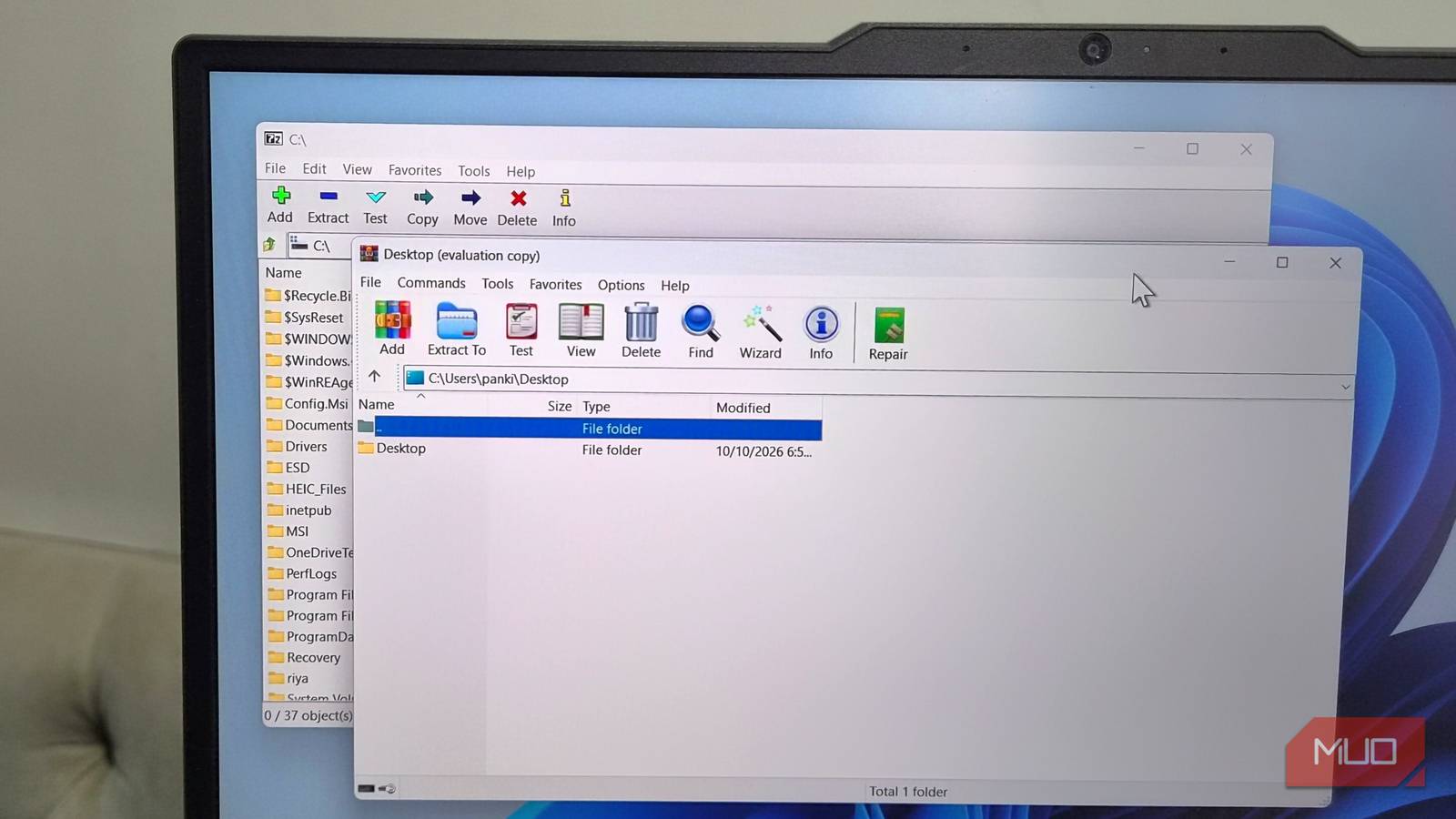
Anyone who has spent more than a week on a Windows PC has almost certainly crossed paths with 7-Zip or WinRAR. Between them, the two archivers cover a huge share of the desktop market, and there is a very good chance one of them is sitting on your machine right now — possibly installed years ago, during the initial setup of the system, and never touched since. That last detail is the problem. Neither program checks for updates on its own, so the copy you have is probably older than you think, and it may be missing patches for flaws that attackers already know how to exploit.
Neither Tool Checks for Updates on Its Own
7-Zip and WinRAR need no introduction. Both are fast, both handle the overwhelming majority of archive formats, and both have been staples of Windows software lists for well over two decades. Choosing between them is largely a matter of taste: 7-Zip is free and open source with a famously spartan interface, while WinRAR offers a friendlier trial-and-tinker experience and stronger built-in repair tools. Neither choice is wrong.
What they share, however, is a design blind spot. There is no background updater, no tray notification announcing a new build, and no scheduled check against a release server. Once installed, the software simply sits there and does its job, blissfully unaware that a newer version exists. If you set up your PC in 2019 and never revisited the installer, you are likely still running something close to the 2019 build. The program will keep compressing and decompressing files without complaint, which is exactly why nobody notices.
Most modern Windows applications, even small ones, at least offer a single button that queries the vendor for the current release and tells you whether you are behind. That convenience does not exist here. Users are expected to know the version number on their own machine, navigate to the official site, compare it against the published build, and then download and run an installer by hand.
Why an Outdated Archiver Is a Real Attack Surface
It is tempting to treat archive software as harmless plumbing. It does not connect to the internet, it does not hold your credentials, and it does not run in the background. But that framing misses what an archiver actually does: it parses untrusted, deliberately malformed binary data supplied by strangers, and it writes the results to disk. That is a textbook attack surface.
Archive formats are complicated. Headers, compression dictionaries, recovery records, filenames with unusual encodings, nested directories, symbolic links — every one of those is a place where a parsing bug can turn a benign-looking file into memory corruption or an arbitrary file write. Attackers do not need you to visit a shady website. They only need you to open an attachment, extract a file someone sent you, or unpack something you downloaded from a forum. The archive itself becomes the exploit.
The practical danger is compounded by how archives travel. A compressed file is a natural container for malware because it looks like ordinary business correspondence and because security scanners sometimes struggle with deeply nested or unusually formatted content. When the extraction tool itself can be subverted, the last line of defence disappears.
The Flaws That Prove the Point
None of this is hypothetical. Both projects have shipped urgent security fixes in recent years, and in each case the protection only reached users who happened to update.
- WinRAR and recovery volumes. A flaw in the way WinRAR handled specially crafted .rev recovery files allowed an attacker to write data outside the intended extraction directory. Because Windows will happily execute files dropped into startup folders, a booby-trapped archive could lead to code running automatically the next time the machine booted. The issue was patched, but only in a current release.
- WinRAR and archive spoofing. An earlier, widely exploited bug let an archive masquerade as an innocent file — a PDF or image, for example — so that opening the decoy also launched hidden malicious content. It was used in real campaigns against targeted individuals before a fix shipped.
- 7-Zip and the Mark-of-the-Web. A significant flaw let attackers bypass the warning Windows attaches to files downloaded from the internet. Archives extracted through the vulnerable build produced files that the operating system treated as locally created, silently removing a protection layer that users rely on. The fix arrived in a later release.
- 7-Zip and decompression. Another patched vulnerability involved memory corruption during the handling of a particular compression algorithm, opening the door to remote code execution from a crafted archive.
In every one of these cases, the vendor responded quickly. The gap is not in the response; it is in the delivery. A patch sitting on a download page is only useful to people who go looking for it, and almost nobody does.
How to Check Your Version Manually
The good news is that checking takes less than a minute, and installing the update is genuinely easy once you know it is needed.
- For 7-Zip: open the program, go to Help > About 7-Zip, and note the version number displayed. Then click the site button at the bottom of that window to visit the official page and compare the current release against your build.
- For WinRAR: open the application and go to Help > About WinRAR to see the installed version. Use the Home page button to reach the official site, check the latest build, and download the installer if you are behind.
If a newer version exists, download it and run the installer as you normally would. Both programs update in place without losing settings, and neither requires you to uninstall the old build first. The whole operation takes a couple of minutes.
Why Manual Updating Rarely Works in Practice
Installing the update is not the hard part. Remembering to look is. Security patching only works when it happens promptly — a fix that arrives three months after a public disclosure has already left a long window of exposure, and that window is only closed if the user acted inside it.
Realistically, checking a compression utility for updates every few weeks is not something anyone sustains. It is invisible work on software that never complains, produces no nag screens, and gives no indication that anything is wrong. Even diligent users tend to remember only after reading a story like this one, and then forget again within a month. Multiply that by every other application on a typical machine that also lacks a proper updater and the pattern becomes obvious: manual patching does not scale.
UniGetUI Automates the Boring Part
What actually solves the problem is a manager that watches versions for you. UniGetUI is a free, open-source front end for Windows package managers, and it does for 7-Zip and WinRAR what neither program does for itself.
Install it once, and it inventories the software on your system — including applications installed outside the Microsoft Store, which is where both archivers typically live. It then checks for newer releases on a schedule, every few hours by default, and can install them automatically. You do not have to sit through the installer dialogs either; once UniGetUI has the permissions it needs, it handles the silent installation steps in the background.
It also gives you a reasonable amount of control. You get a notification each time an update is detected and applied, so nothing happens invisibly. Individual applications can be excluded from automatic updates if you prefer to manage them yourself. Specific versions can be skipped when a release breaks something you depend on. And because UniGetUI is a general package manager rather than a single-purpose updater, the same interface covers installation, removal, and bulk maintenance across the whole system.
Alternatives Worth Knowing
UniGetUI is not the only route. Windows 11 ships with a capable command-line package manager in the form of winget, which can upgrade installed software with a single command and can be scheduled with Task Scheduler. Chocolatey and Scoop serve similar roles for users who prefer scripted, developer-oriented workflows, and there are dedicated patch-management utilities that scan for outdated software and push updates. Any of them removes the need to remember.
The common thread is the same: delegate the version check to something that runs whether or not you are thinking about it. That is the entire difference between a machine that gets patched and one that quietly accumulates known vulnerabilities.
What to Do Right Now
Open 7-Zip or WinRAR, check Help > About, and compare what you see against the current download on the official site. If you are behind, run the installer. If you cannot remember the last time you did this, assume you are behind.
Then close the loop permanently. Either set a recurring reminder to repeat the check, or hand the job to an automated manager so it stops depending on memory. Compression tools are among the least interesting software on any PC, but they sit directly between you and untrusted files arriving from everywhere — which makes them one of the few utilities genuinely worth keeping current.
Source: MakeUseOf News