

Key Facts from the Beta Test
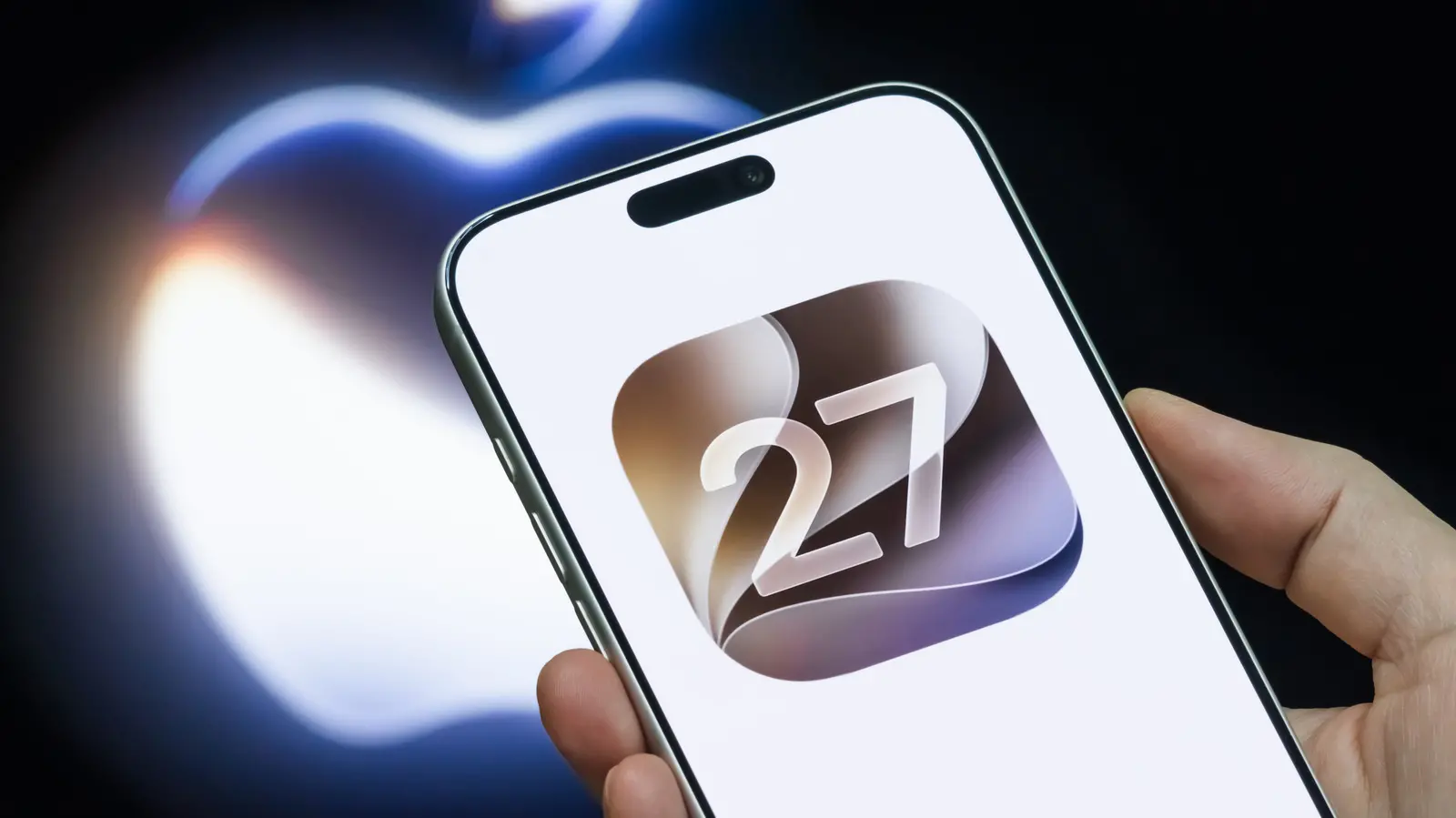
- The new Siri in iOS 27 beta finally delivers on Apple Intelligence promises made in 2024.
- It uses personal context from iCloud to answer complex, vague questions.
- On-screen awareness allows Siri to act on content visible in apps.
- Indexing can take days, and an internet connection is still required for complex tasks.
- Deep integration with Apple's ecosystem enhances performance, but third‑party apps lag behind.
Two Years Late, but Worth the Wait?
It has been two years since Apple Intelligence was unveiled in 2024 for iOS 18. The showstopper feature at the time was a much‑needed Siri upgrade that promised chatbot smarts paired with deep personal contextual awareness. That Siri was delayed – repeatedly. Things got so bad that Apple reportedly paid $250 million to disgruntled users who had bought iPhones expecting the new Siri, and rumors swirled that the entire demo had been a Silicon Valley fever dream. At long last, however, the 2024 Siri is available in the OS 27 Developer Beta. Does it live up to the original promises?
Our team ran the iOS and iPadOS 27 Developer Beta from its first release, and after getting off the Siri waitlist and waiting for both devices to finish indexing, we threw everything we could think of at the assistant. Complex, unusual questions reminiscent of the WWDC 2024 demo (and WWDC 2026 demo) were used to see whether Apple finally stuck the landing. Bear in mind this is early beta software, not the final product, so there were plenty of non sequitur answers, misunderstandings, and bugs. This report assumes that by the time the full public release happens in September, Apple will have fixed most or all of the issues encountered. Here is how it went.
Personal Context – The Game Changer
Let’s not keep anyone in suspense: Yes, this new Siri is effectively on par with the original 2024 demo. Gone are the days of completely misunderstanding basic requests or hitting a user with “here’s what I found on Google.” It now provides a back‑and‑forth chatbot experience no different from Gemini or Claude, supplying sources that can be verified. Personal context is what sets it apart from the competition. WWDC 2024 showed a Siri that knows the user intimately via iCloud account content and can surface emails, conversations, notes, photos, and more to serve as a helpful digital assistant.
During testing, we asked the assistant what our Japanese homework was, and it translated a conversation with a tutor to figure it out. It guessed when a specific model of keyboard was purchased by recognizing it in photos. It told us when and for how much a device was sold online. When asked whether the user had visited the place that inspired the movie “Spirited Away,” it pulled up pictures from a Taiwan trip. It identified which book in the “Saxon Stories” series came next based on previous reads. When asked about an article on switching from Mac to Windows, it summarized the conclusion. These examples demonstrate that the new Siri works as advertised.
To be clear, there were plenty of misfires. But when it works – and it does more often than it doesn’t – it works exceptionally well. Users rarely have to baby it; questions can be asked vaguely, and Siri often figures out from personal context what is meant without follow‑up clarification. For early beta software, this is incredibly promising.
Indexing Takes an Eternity
To understand personal context enough to help users, Siri requires indexing. This is visible in the Settings app on the device. Indexing is essential for useful answers; using Siri before indexing is complete results in a subpar experience. The problem is that indexing – at least during the beta – can take an annoyingly long time. Two different approaches were tested. On the iPad, normal use with occasional charging resulted in indexing taking over a week. On the iPhone, leaving it plugged in for hours at a time allowed indexing to finish in a couple of days. Apple will likely speed up indexing for the official release, but it is hard to imagine it taking less than a couple of days for most people unless the phone is left plugged in overnight.
It is worth noting that our testing devices had only about 200GB of total iCloud data (photos, Drive, notes, etc.). Users with much larger pools of personal content may wait even longer. Hopefully, this does not become another common problem like on iOS 26, where reindexing after every update caused phones to heat up and drain battery – except this time the delay temporarily kneecaps Siri for days.
Siri Is On‑Device First, but Internet Is Still Required
When we finally got off the Siri waitlist, we happened to be in a location with terrible Wi‑Fi and cell signal. Expecting that the new Siri is all on‑device, simple requests like setting reminders worked fine. However, anything more complex – even if Siri had the information locally – failed. This is because, although processing does happen on the device, Siri relies on Apple’s Private Cloud Compute servers to know how to approach a request. Complex requests either took forever or failed until we found a good Wi‑Fi network. Apple would do well to make this abundantly clear upon official release. Many people will misunderstand the “on‑device” part to mean they can go off the grid with a fully functional digital assistant, which they cannot. And of course, users may be uncomfortable with personal requests being sent to the cloud, trusting that data privacy will not be abused. None of this is helped by the fact that the new Siri is built on Google’s Gemini.
Look, most of us are connected to Wi‑Fi and/or cellular virtually 24/7 with few exceptions. Just be prepared for Siri’s new spinning thinking dots to take longer if you are on bad Wi‑Fi.
Ecosystem Integration – The Deeper You Are, the Better
The more thoroughly your life is integrated into Apple’s services and apps – Photos, iMessage, Calendar, Contacts, Notes, Reminders, Music, Podcasts, etc. – the more useful and effective OS 27’s Siri will be. That could also be one of its biggest downsides. People who use the Gmail app for email, WhatsApp for friend and family chats, and Microsoft OneDrive for files may come away disappointed if Siri cannot talk to or source data from their preferred non‑Apple apps. This was evident during testing: most chats are not in iMessage, so questions leveraging previous conversations with family and friends fell on deaf ears. This frustration existed even though the test devices had the lion’s share of personal data in Apple’s ecosystem. It is hard to imagine how much more frustrating this will be for someone using even fewer Apple services – or none.
Having said that, this may just be an early beta limitation. Apps that incorporate App Intents and MCP (frameworks that make it easier for Siri to request data from third‑party apps) could potentially make it irrelevant which apps you use. After the OS 26 release, it took time for apps to adopt Apple’s Liquid Glass design language, but eventually most of them did. Give OS 27 a year or so to mature, and likely all major apps will jump on the App Intents bandwagon, making Siri capable for all users.
On‑Screen Awareness – The Killer Feature
Everything mentioned so far is cool, but what will really be a game changer is on‑screen awareness. At any time, in any app, you can summon Siri and ask it questions about what you see on screen, and have Siri act on your behalf. During the original WWDC 2024 demo, the presenter’s Siri grabbed a driver’s license number from a picture and inserted it into a form seamlessly with one request. That is now possible with this Siri, and much more.
In testing, we asked Siri to send the note being viewed as a PDF to an email address. We asked it to screenshot the current page and send it to a contact. With Safari open, we asked it to open a new tab and show the iPad Pro product page. In Google News, we asked it to identify the person in one of the headline images, and it did so. We asked it to “set a reminder for this” while on the PlayStation page for “Grand Theft Auto 6,” and it did. While looking at a picture of a receipt, it copied all the text to a note. These random examples demonstrate an incredible amount of potential beyond Apple’s iffy recommendations during WWDC 2026 to make themed recipes for parties. As long as there is clear information on the screen, Siri can seemingly perform any basic action on it, saving a lot of time on tedious tasks that might otherwise be done manually.
Source: SlashGear News