

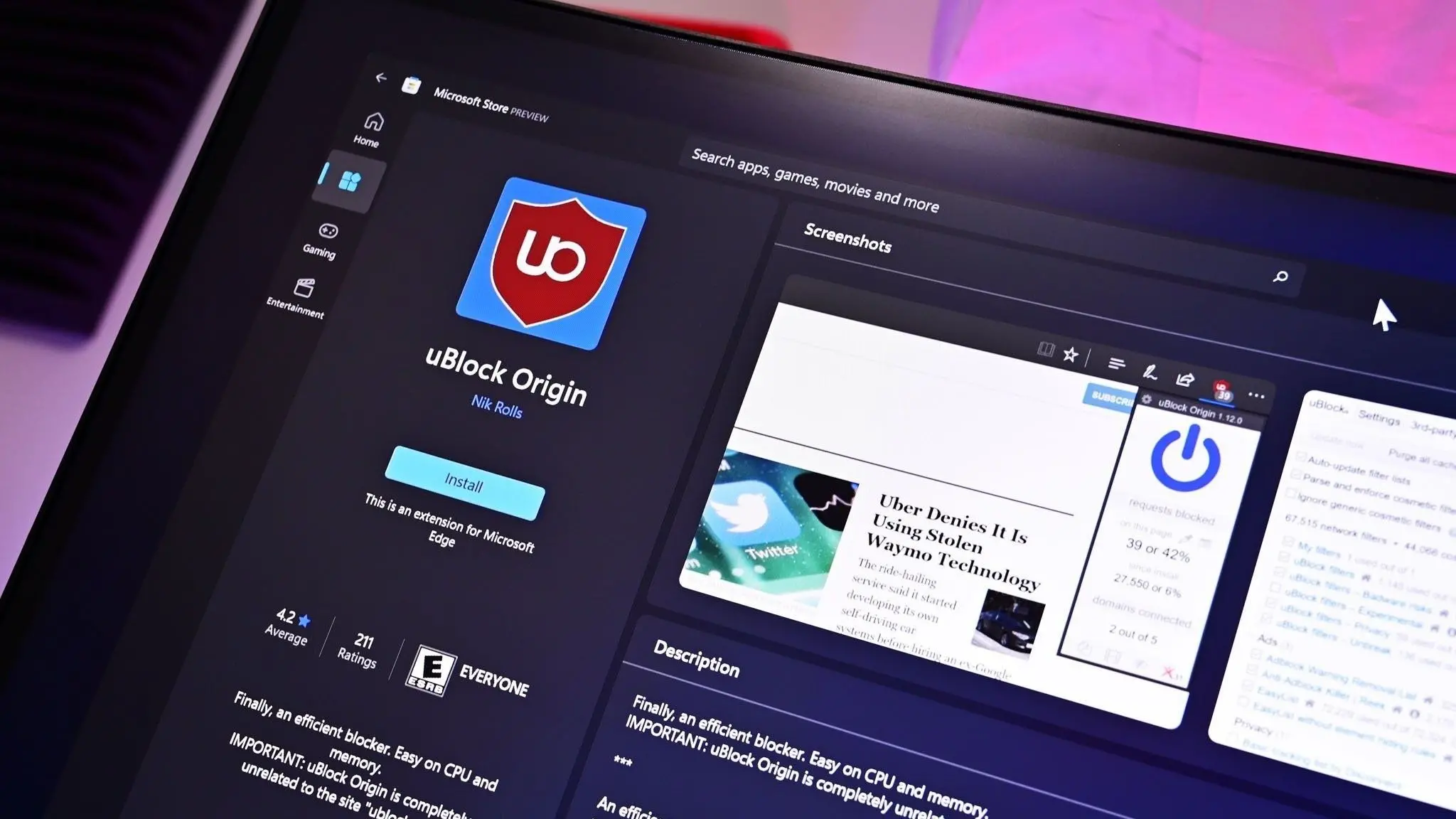
Microsoft has finally confirmed the exact moment when uBlock Origin will stop working inside its Chromium-based browser. The date is tied to the release of Microsoft Edge 139, which is scheduled to begin rolling out to the stable channel on August 21, 2025. When that update arrives, Edge will automatically disable every extension built on the old Manifest V2 architecture, and uBlock Origin is the most famous casualty.
The change has been expected for a long time. Google began pushing the extension ecosystem toward Manifest V3 years ago, and Microsoft, because Edge is built on Chromium, always had to follow the same path. But Microsoft has now set a firm date, giving users no more room to assume the switch might not happen.
Key facts at a glance
- uBlock Origin will stop working on Microsoft Edge when Edge 139 reaches the stable channel on August 21, 2025.
- The extension will be automatically disabled because it uses Manifest V2, an older extension architecture that Microsoft is retiring.
- After Edge 139 is installed, users will not be able to re-enable uBlock Origin through the standard Edge settings, and the extension will be removed from the toolbar.
- Enterprise administrators may receive temporary policy options, but consumer users will not have a supported grace period.
- uBlock Origin Lite is the most commonly recommended replacement, although it is not a perfect substitute for the original extension.
What this means for Edge users
When Edge 139 is installed, the browser will look for extensions still using Manifest V2. It will disable them with a message explaining that the format is no longer supported. For uBlock Origin users, the result is simple: ads, trackers, and fingerprinting scripts that were previously blocked will suddenly load again. The extension icon will disappear from the toolbar, and users who try to toggle the extension back on inside the extension management page will find that the option is gone.
This is not an optional migration. Microsoft is not asking users for permission. The company is treating Manifest V2 extensions as a security and compatibility risk, and the browser will take action automatically. Anyone who has installed uBlock Origin from the Edge Add-ons store or from the Chrome Web Store will see it disabled during the update process.
Why uBlock Origin is affected
uBlock Origin is a content blocker created by Raymond Hill. It has been widely praised for its efficient use of system resources and its ability to block ads, trackers, malware domains, and other unwanted web content. For years it was one of the most popular extensions in the browser ecosystem, and it relied heavily on Manifest V2 features that Google wanted to remove.
Manifest V2 allowed extensions to use the webRequest API, which gave content blockers the ability to see and modify network requests before they loaded. This made it possible to filter ads at a very low level and to block requests that matched enormous filter lists. uBlock Origin also used advanced cosmetic filtering techniques to hide page elements after the page had already loaded, something that many other blockers struggled to do efficiently.
Manifest V3, the replacement, was designed to make extensions safer and more privacy-friendly. Google argued that the webRequest API was too powerful and could be abused by malicious extensions. The new architecture instead relies on a declarative rules engine. That means extensions can no longer block or redirect network requests in real time using arbitrary logic. They can only install a set of predefined rules, and the browser itself decides what to do with those rules.
For simple ad blockers, Manifest V3 is fine. For advanced blockers like uBlock Origin, it is a serious limitation. The original uBlock Origin cannot simply be updated to Manifest V3 because its core functionality depends on the very features that Google removed. That is why uBlock Origin, the original version, is doomed in Edge and Chrome, while a separate extension called uBlock Origin Lite exists as a Manifest V3-compatible cousin.
Microsoft Edge followed Chrome’s path
Microsoft Edge moved to Chromium in early 2020. Since then, its extension system has been almost identical to Google Chrome’s. Microsoft operates its own Edge Add-ons store, but it also allows users to install extensions from the Chrome Web Store. That close relationship means Microsoft cannot ignore Google’s architectural decisions. When Chrome announced that it would disable Manifest V2 extensions, Microsoft was left with only two choices: keep supporting the old format and diverge from Chromium, or follow Google and retire Manifest V2.
Microsoft chose to follow, but at its own pace. Google began disabling Manifest V2 extensions in Chrome earlier, while Microsoft gave developers and users more time. The company first announced that Manifest V2 would eventually be deprecated, then said that it would stop accepting new Manifest V2 extensions, and finally confirmed that Edge 139 would be the turning point.
The exact date was not widely known until Microsoft updated its official documentation for business users. That documentation included a note that Edge 139 would be the release where Manifest V2 extensions are automatically disabled. Because Edge updates roll out gradually, some users may receive Edge 139 on August 21, while others may get it a few days later. Microsoft often staggers its stable releases to catch compatibility issues, so a small number of users could see the change near the end of August or early September.
Still, Microsoft has now set a fixed target. There is no mystery left. The company is not saying it might disable Manifest V2 extensions in the future. It is saying that Edge 139 is the release where the switch is flipped.
What users should do
Source: Windows Central News