

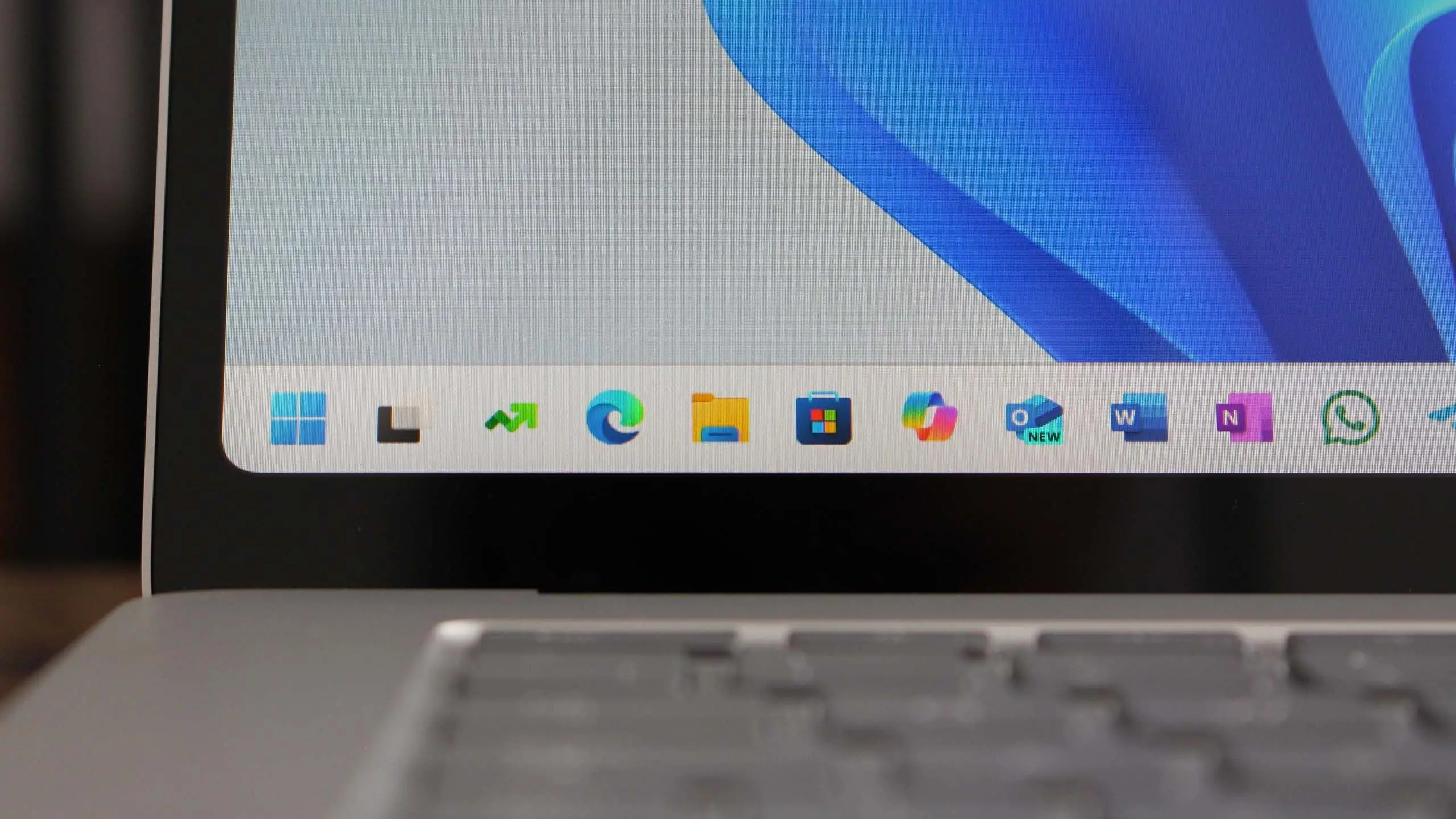
Microsoft has officially begun rolling out Windows 11 version 25H2, the latest annual feature update for its flagship operating system. Building on the foundation laid by previous releases, this update arrives with a mix of refinements, new AI-powered capabilities, and deeper integration across the Windows ecosystem. For users and IT administrators alike, understanding what's new, when it will arrive, and what it means for ongoing support is essential. This article breaks down everything you need to know about Windows 11 25H2, including its features, rollout schedule, system requirements, and upgrade paths.
What Is Windows 11 Version 25H2?
Windows 11 version 25H2 is the annual feature update for Windows 11, succeeding version 24H2. Microsoft has committed to a yearly release cadence for major feature updates, with each version receiving 24 months of support for Home and Pro editions and 36 months for Enterprise and Education editions. The 25H2 designation indicates the update arrives in the second half of 2025, following the company's naming convention that refers to the year and release half. This version is expected to be a significant stepping stone in Microsoft's evolution toward deeper artificial intelligence integration, enhanced security, and a more flexible user interface.
The update was first seeded to Insiders in early 2025, allowing enthusiasts and enterprise customers to test the new features before the general rollout. As with previous releases, Microsoft is taking a phased approach, meaning not every device will see the update immediately. The company is using its proven telemetry and compatibility checks to ensure a smooth transition, prioritizing machines that meet strict hardware and driver requirements.
Key Features in Windows 11 25H2
Windows 11 25H2 introduces a range of enhancements that touch nearly every aspect of the operating system. While some are visual tweaks, others are under-the-hood improvements aimed at boosting performance and security. Below are the most notable additions.
AI-Powered Copilot and Windows Intelligence
Microsoft has continued to weave AI throughout the operating system. In 25H2, the Copilot experience is more deeply embedded in the taskbar, Start menu, and context menus. Users can invoke Copilot with a simple keystroke or voice command to ask questions, generate content, or control system settings. The update introduces new AI models that run locally on capable hardware, reducing latency and improving privacy for AI-assisted tasks. For devices with neural processing units (NPUs), Windows 11 25H2 takes advantage of those components to deliver faster on-device AI processing, enabling features like real-time video effects, background blur, and enhanced voice clarity in video calls.
A new panel called "Windows Intelligence" aggregates AI-driven suggestions across apps, acting as a smart assistant that can summarize documents, draft replies, or suggest calendar adjustments. This is a logical extension of Microsoft's strategy to make AI a first-class citizen in the operating system.
Enhanced Start Menu and Taskbar
The Start menu has been redesigned for better productivity. It now supports dynamic icon layouts that adapt to user behavior, plus a new "Recommended" section that uses AI to surface frequently used files and apps. Users can also pin web search results as live tiles, bridging the gap between local and online content. The taskbar has gained a new "quick settings" panel that groups network, sound, battery, and do-not-disturb controls into a single, more intuitive interface. Microsoft has also refined the system tray, improving readability and reducing clutter.
Security Improvements
Security remains a top priority, and 25H2 introduces several new protections. The update includes an enhanced Microsoft Defender SmartScreen that can trigger phishing protections at the OS kernel level, making it harder for malicious apps to intercept credentials. Windows Hello now supports passkeys natively in the authentication flow, ensuring a more seamless and secure login experience. For enterprise users, there are new Zero Trust capabilities, including more granular conditional access policies and support for hardware-based security keys.
Additionally, Microsoft has tightened the default security posture for installation of drivers and unsigned binaries, reducing the attack surface for kernel-level threats. The update also adds support for the latest cryptographic algorithms, including post-quantum cryptography, which prepares the OS for future security challenges.
Improved Gaming and Graphics
Windows 11 25H2 brings several gaming enhancements. The auto HDR feature has been refined to produce more accurate colors and less halo across a broader range of titles. The new driver optimization pipeline automatically tweaks power settings for gaming laptops, improving frame rates while preserving battery life. DirectStorage 1.2 is included, which allows games to load assets directly to the GPU without CPU bottlenecks, reducing loading times dramatically on supported hardware.
Furthermore, Microsoft is introducing a new "Game Mode 2.0" that lets users set per-game performance profiles, controlling frame limits, resolution scaling, and background priorities. This is especially useful for users who want to maximize performance in demanding titles during live streaming or multitasking.
User Interface and Accessibility
Microsoft has continued its efforts to make Windows more accessible and easier to use. The settings app has been reorganized with a new navigation sidebar, making it simpler to find common configuration options. The system's text-to-speech engine has been improved with more natural voices, and there is a new "mouse alternative" feature that lets users control the cursor with eye gaze on supported hardware. The OS also now inherits the Fluent Design language more thoroughly, with accent colors and materials extending to more system components.
Release and Rollout Timeline
Windows 11 25H2 became generally available in the final quarter of 2025, following several months of Insider Preview testing. Microsoft typically begins the broad rollout in October, deviating slightly from previous years when the release occurred in September or November. The rollout is gradual, using a measured approach that initially targets machines known to have excellent driver and application compatibility. This is intended to prevent repeat of the issues seen in early Windows 10 releases, where forced updates caused blue screens and hardware conflicts.
Users can check whether their device has been selected for the update by visiting Windows Update in Settings. For those eager to upgrade, the "Seek Updates" option can be toggled to expedite the delivery. However, Microsoft warns that forcing an update on a managed or domain-joined device may not be supported until the IT administrator approves it.
System Requirements and Compatibility
The basic system requirements for Windows 11 remain unchanged with version 25H2. That means a compatible 64-bit processor with at least 1 GHz and two cores, 4 GB of RAM, and 64 GB of storage are still the minimums. Secure Boot and TPM 2.0 remain mandatory, reflecting Microsoft's ongoing push for hardware-level security. However, AI-accelerated features have additional requirements. For instance, Copilot Live and Windows Intelligence local processing modes require a Neural Processing Unit with at least 40 TOPS (trillion operations per second). On devices without an NPU, a compatible GPU with batch AI capabilities can be used, though performance may be lower.
Microsoft has also updated its compatibility testing process. The company now works more closely with component manufacturers to ensure that drivers and apps are validated before the update is offered. Legacy apps that rely on older security protocols may be blocked or put into compatibility mode, and Microsoft recommends that enterprises use the App Assure program to address any potential issues.
How to Upgrade to Windows 11 25H2
For most users, the easiest way to upgrade is through Windows Update. Once the update is available, a new banner will appear indicating that "Windows 11, version 25H2 is ready for your device." You can then choose to download and install it. The installation process takes about 30 minutes on average, depending on internet speed and storage performance. During the installation, your system will restart several times, and it is advisable to keep the power connected if you are using a laptop.
Power users can also use the Media Creation Tool or the ISO file directly, which allows for a clean installation. However, Microsoft recommends updating through Windows Update to retain all files and settings. For IT administrators, the update is available through the Windows Server Update Services (WSUS), Microsoft Configuration Manager, and the Azure Update service, allowing for managed deployment.
Known Issues and Considerations
As with any new Windows version, 25H2 has a few known issues. Microsoft has acknowledged that certain audio drivers from older Realtek chips are causing no audio problems, prompting the company to place a compatibility hold on some devices. There are also reports of issues with fingerprint readers from specific manufacturers, causing Windows Hello to fail. Microsoft is working on fixes, and users experiencing these issues can use the recovery options in Settings to revert to the previous version within 10 days of upgrading.
Another consideration is the impact on older games. While most modern titles run flawlessly, some online games with aggressive anti-cheat engines have been found to conflict with the new security features. In these cases, players may need to wait for the game developer to release a compatibility patch. Microsoft has provided guidance for developers on how to update their software to work seamlessly with 25H2.
Additionally, users should note that the removal of the SMB1 protocol is final in 25H2. The older file-sharing protocol, which has been deprecated for years, is no longer included by default. Networks that still rely on ancient network shares will need to be upgraded or use an alternative.
In summary, Windows 11 version 25H2 represents a significant leap forward for the operating system. With its emphasis on AI, security, and user experience, it offers compelling reasons to upgrade. The rollout is proceeding smoothly, but as with any major release, it is wise to verify that your specific hardware and software are supported before taking the plunge.
Source: Windows Central News